
01 使用入口
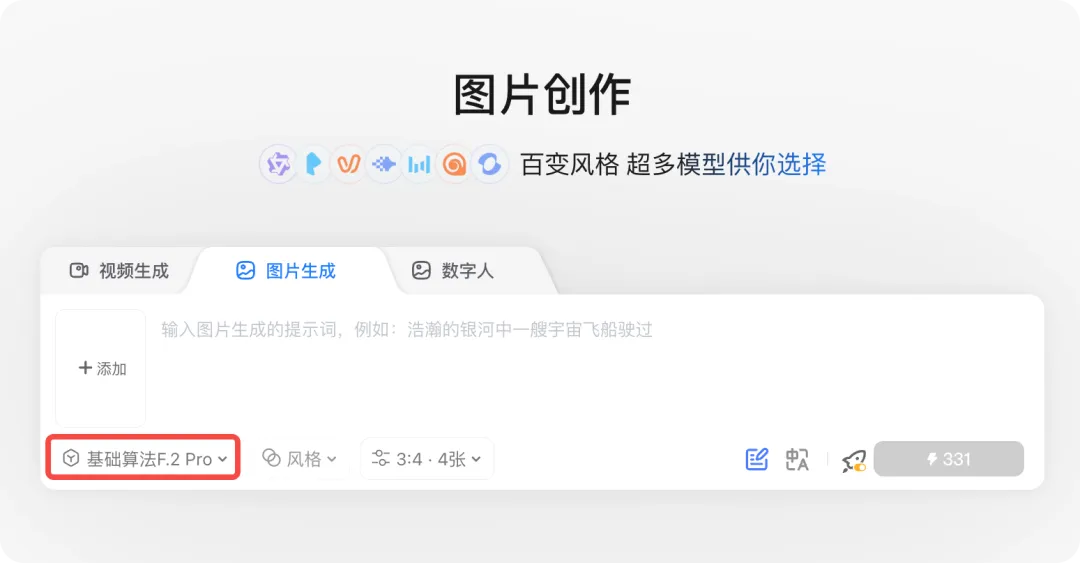
图片生成器(支持 pro/flex):
https://www.liblib.art/ai-tool/image-generator
在线WebUI(即将上线,支持 pro/flex/dev):
在线训练(即将上线,支持 dev):
https://www.liblib.art/pretrain
02 模型特点
1️⃣ 支持多图参考,在角色/产品/风格一致性上表现极佳
03 案例展示
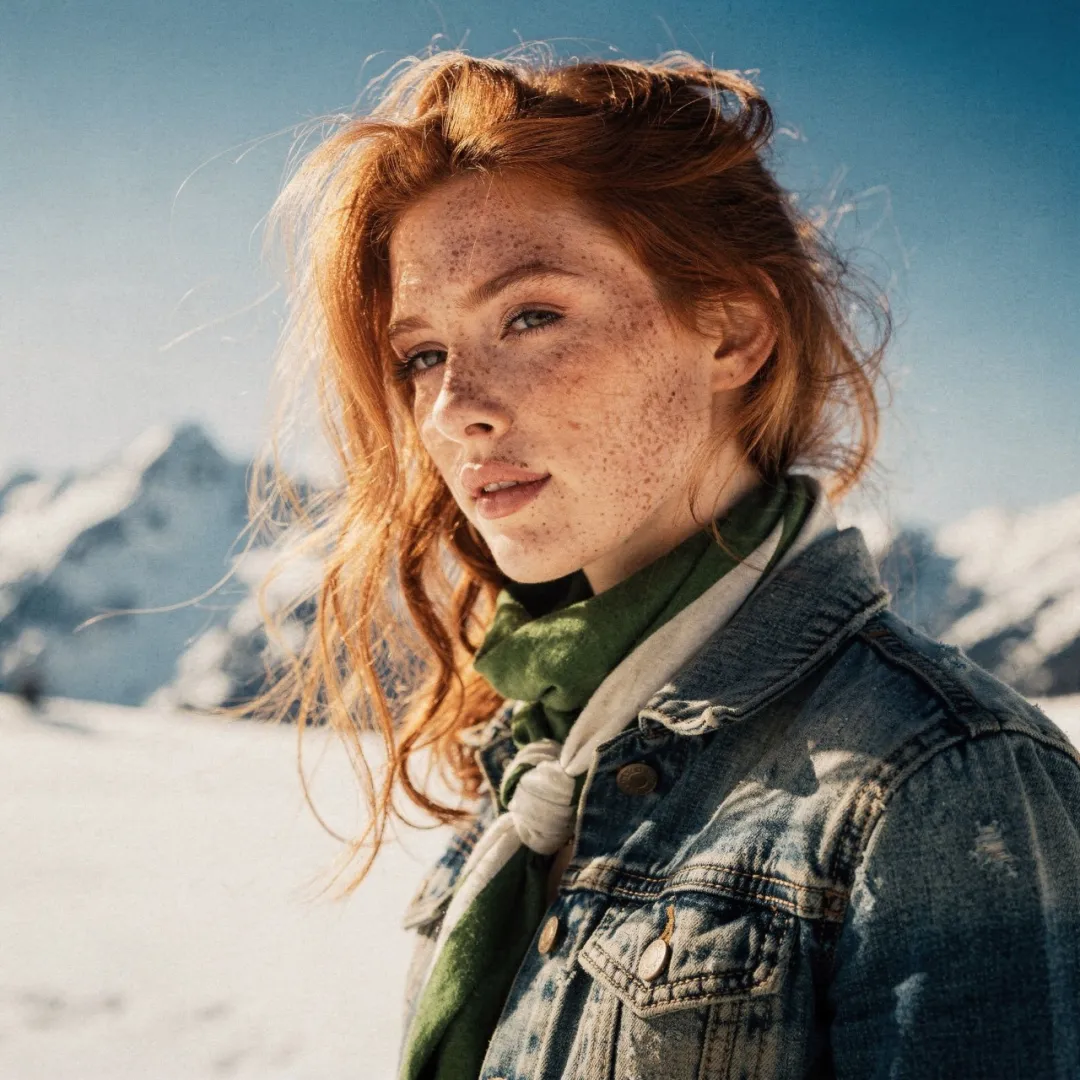
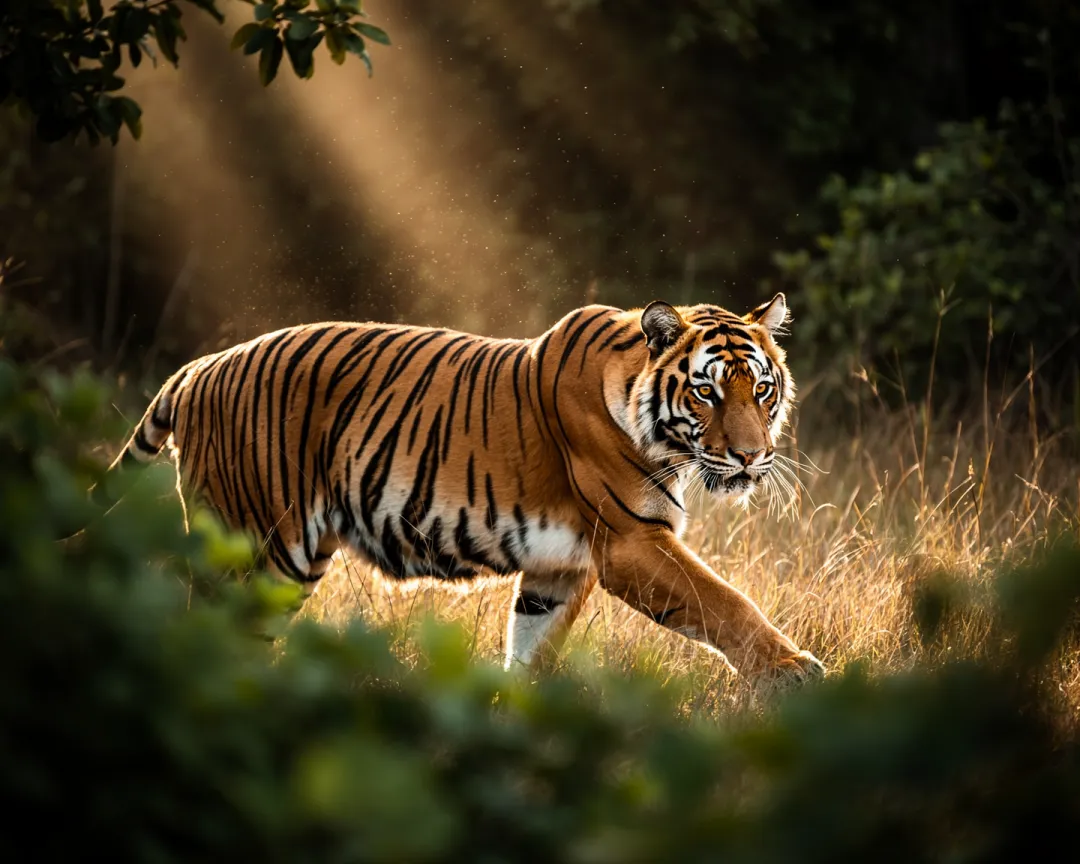
① 真实质感&细节
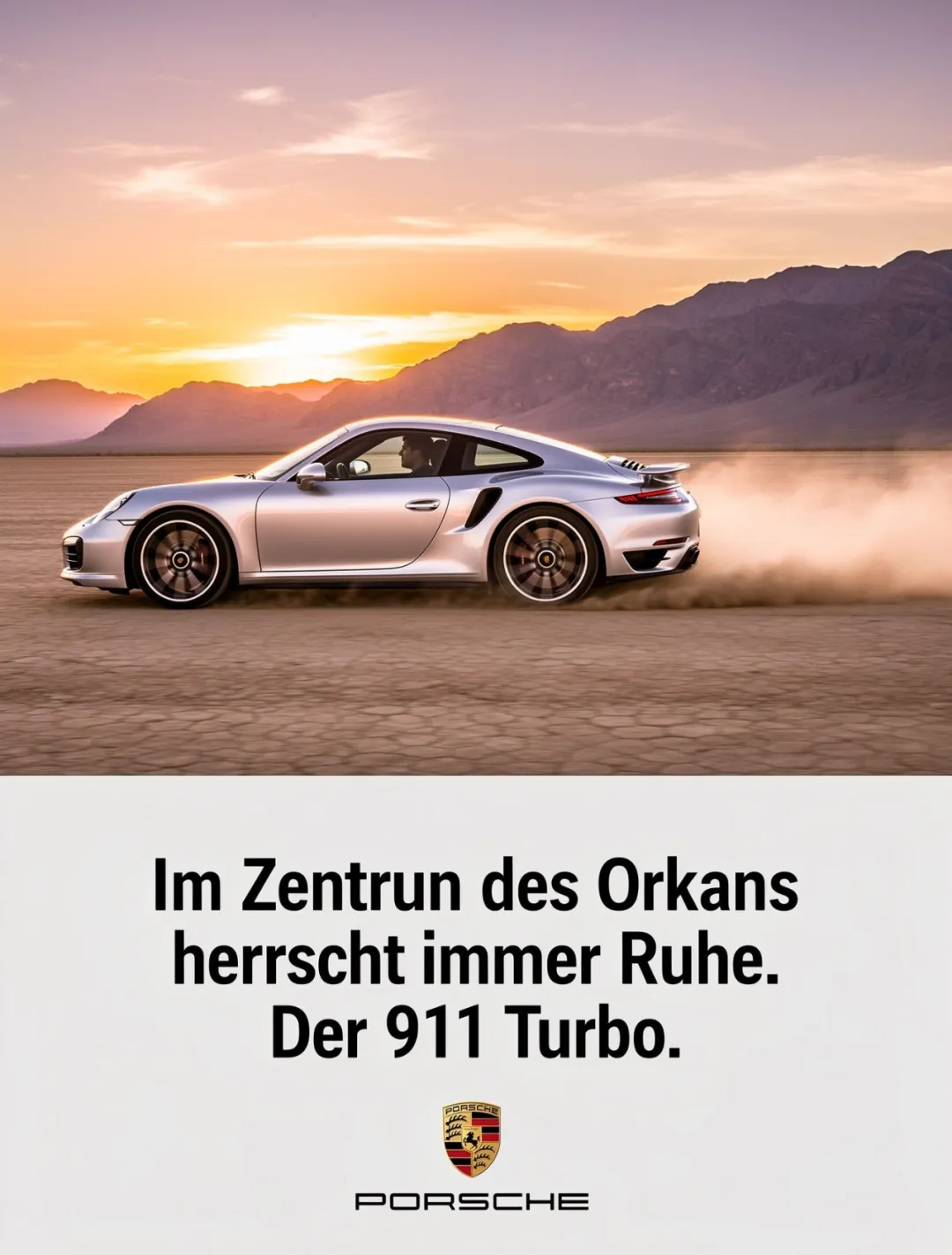
② 文本&版式渲染
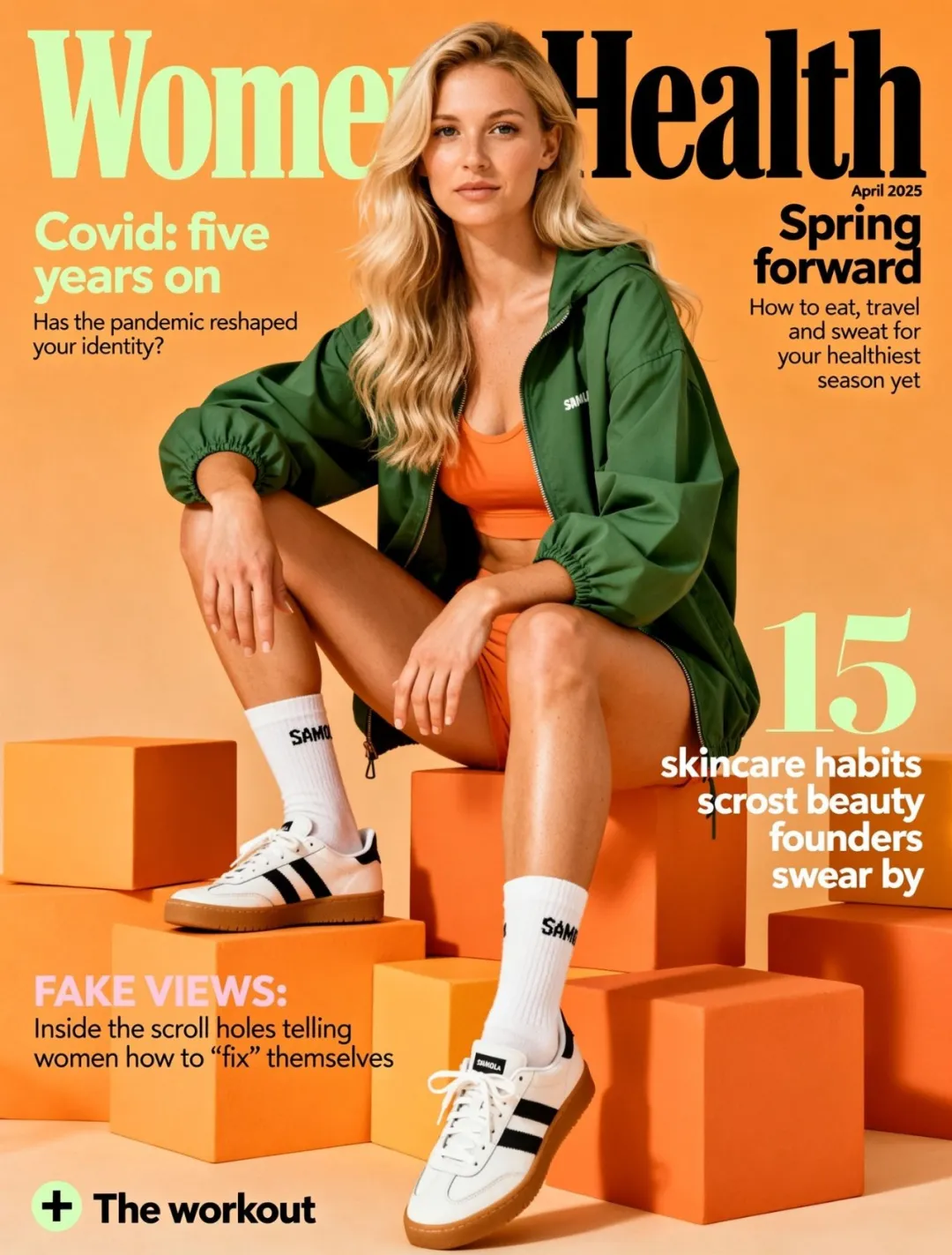
③ 多图参考
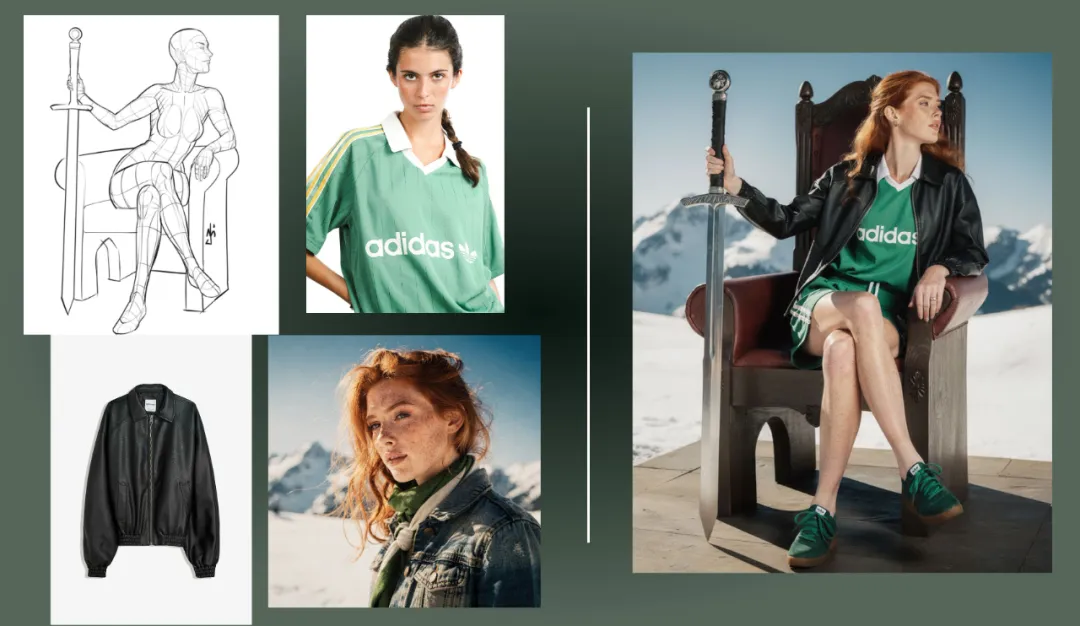
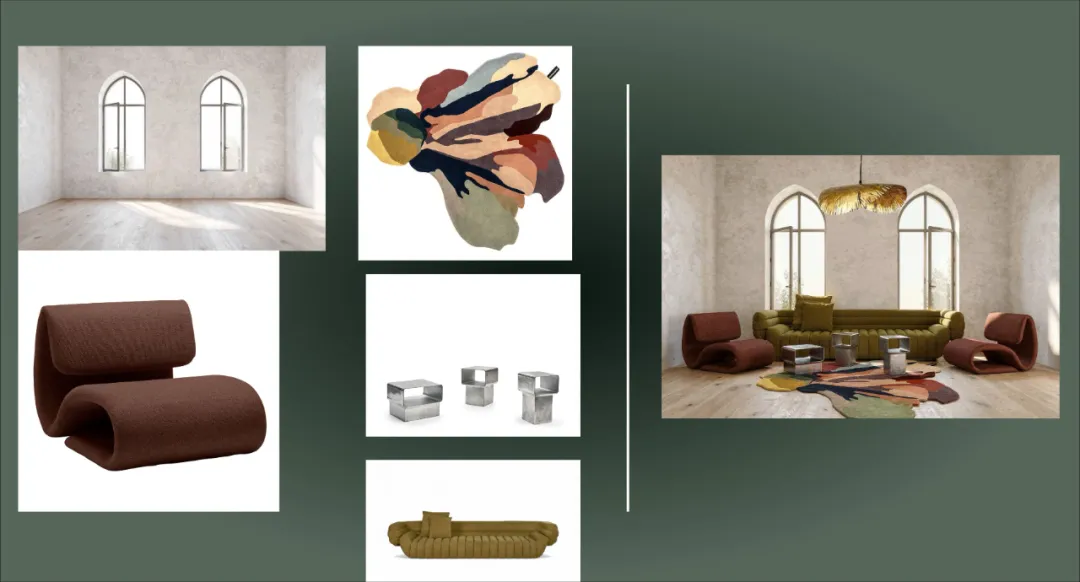
④ 通过色号控制颜色
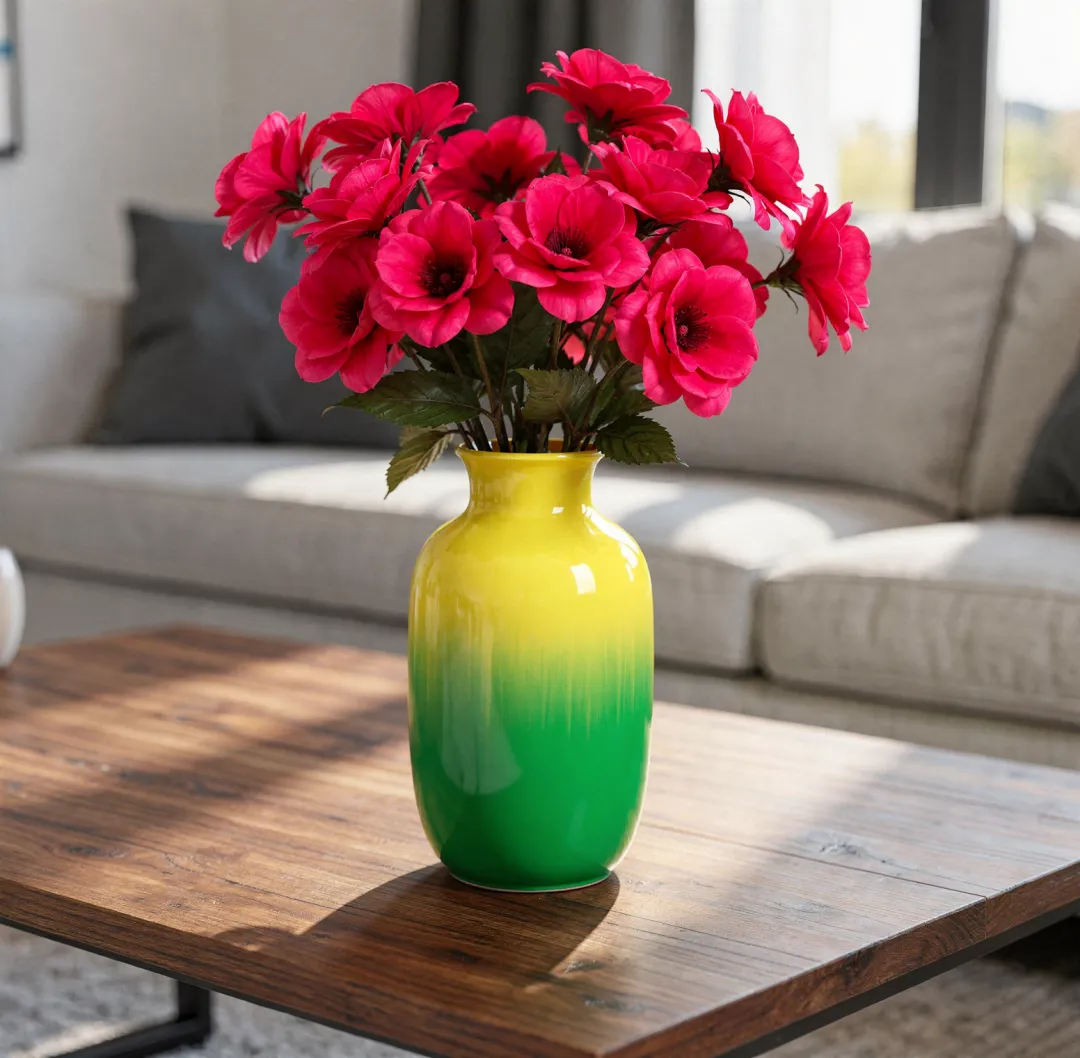
Prompt:A vase on a table in living room, the color of the vase is a gradient of color, starting with color #02eb3c and finishing with color #edfa3c. The flowers inside the vase have the color #ff0088
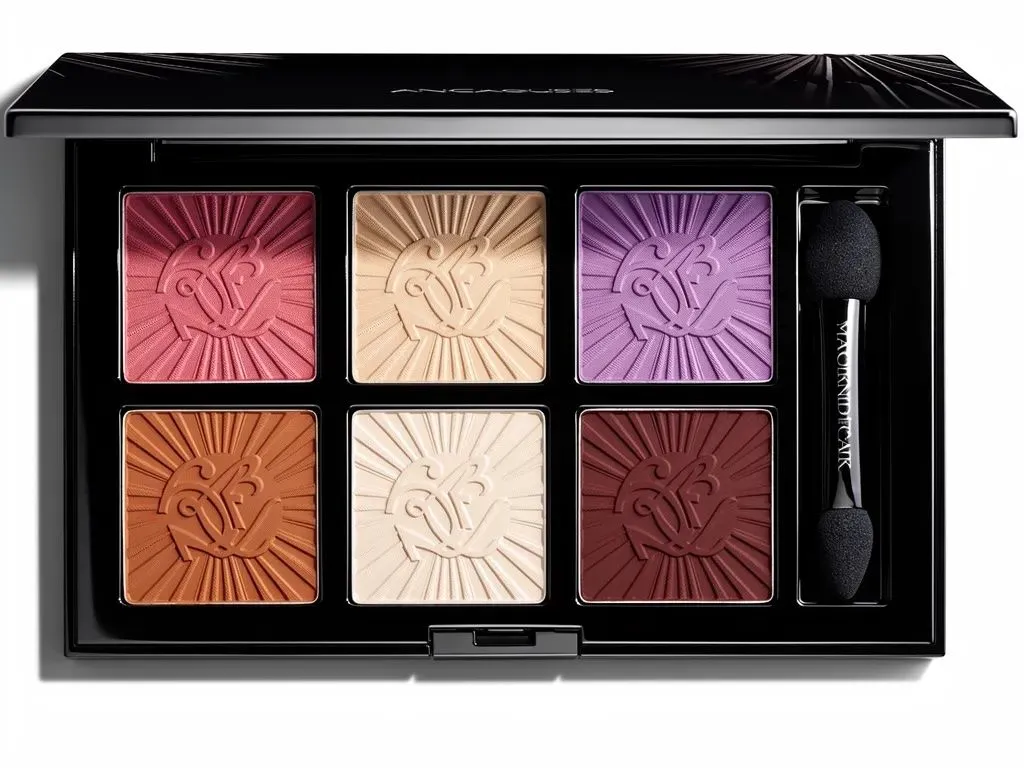
Prompt:Luxury eyeshadow palette with 6 pans: top row #B76E79, #E8D5B7, #8B4789; bottom row #CD7F32, #F8F6F0, #800020
⑤ 图像编辑
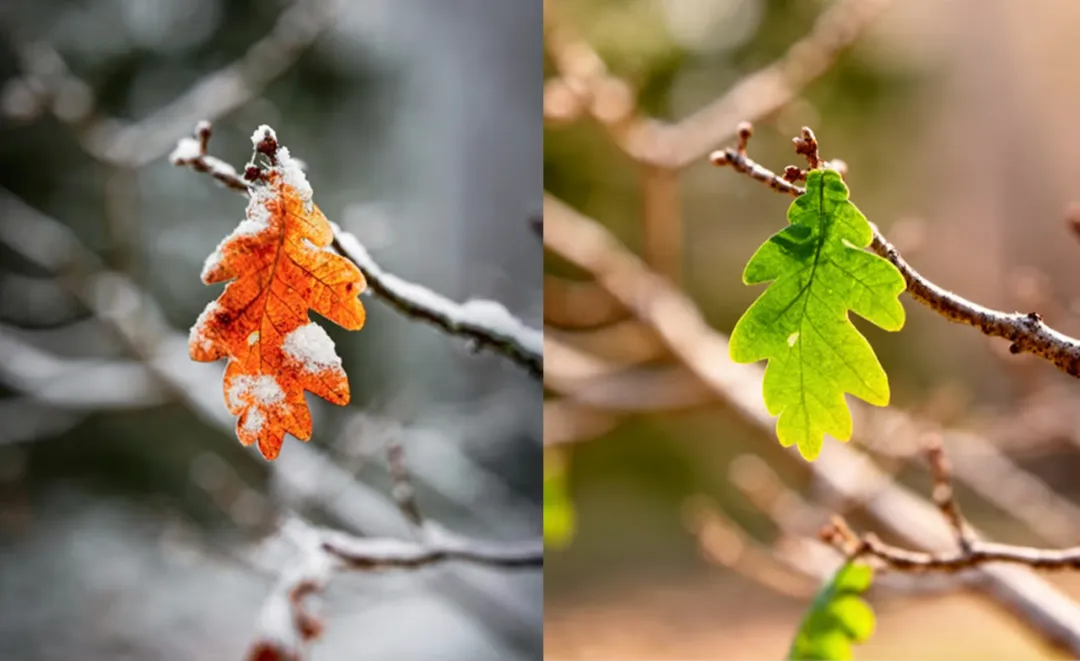
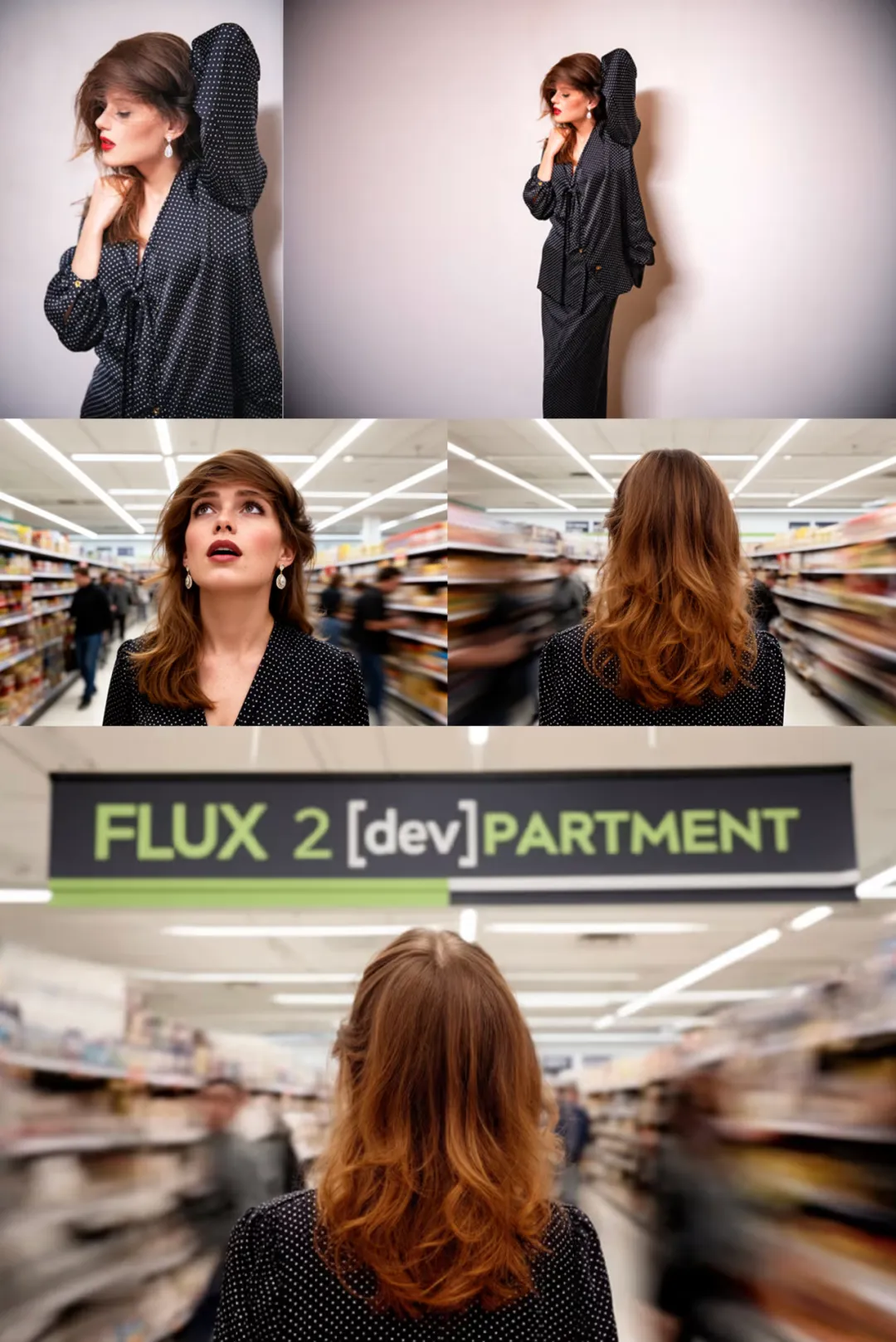
基础算法 F.2 可以在哩布哩布AI 图像生成器 和 在线WebUI 中使用,快去试试吧~
🔗 体验链接:
https://www.liblib.art/ai-tool/image-generator
声明:本站所有文章,如无特殊说明或标注,均为本站原创发布。任何个人或组织,在未征得本站同意时,禁止复制、盗用、采集、发布本站内容到任何网站、书籍等各类媒体平台。如若本站内容侵犯了原著者的合法权益,可联系我们进行处理。